Introduction
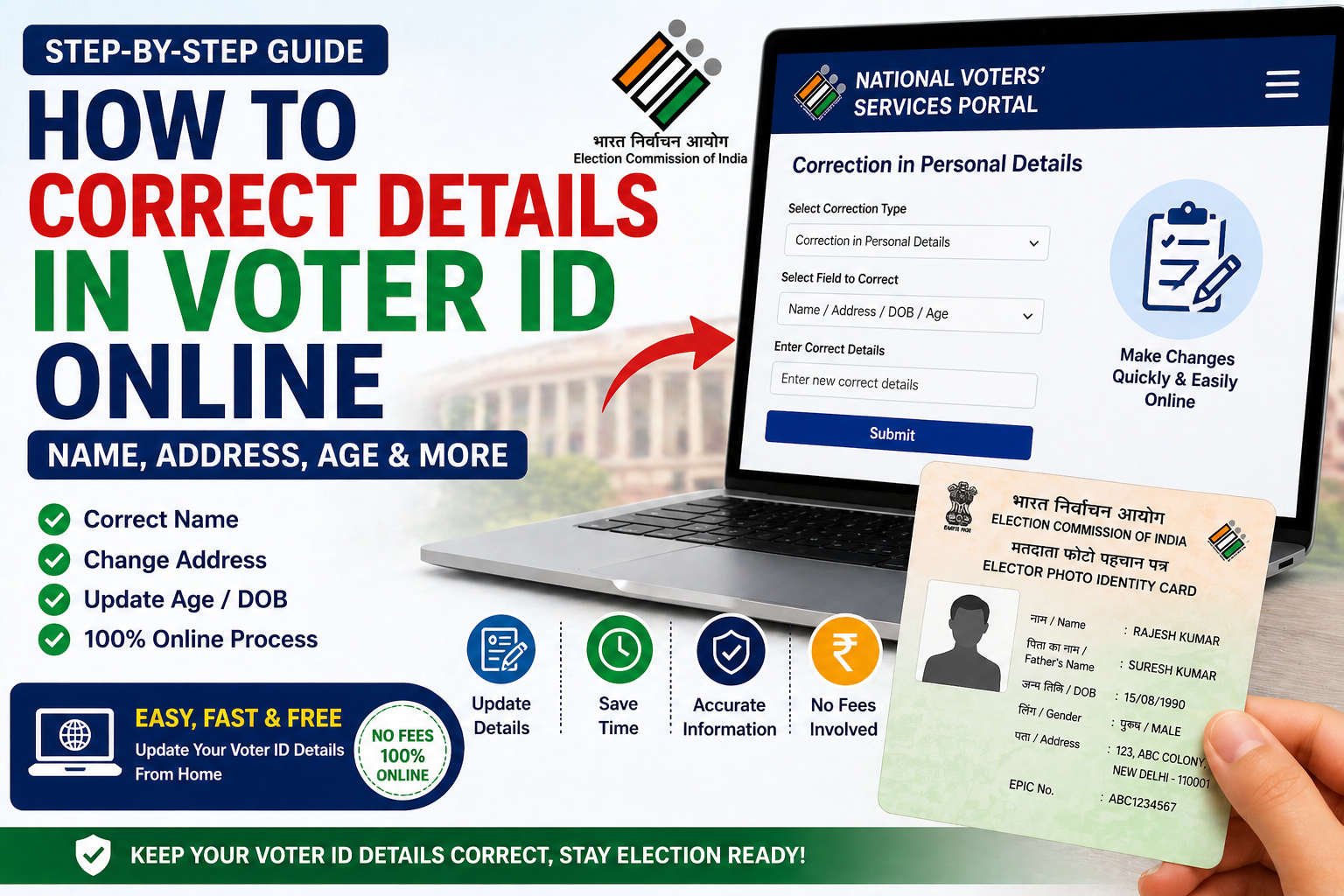
How to correct details in voter id online (name, address, age ). If your voter ID has incorrect details, you can correct them online easily.
Steps to Correct Details (how to correct details in voter ID )
- Visit official portal
- Login to your account
- Select “Correction in Voter ID”
- Update correct details
- Submit form
What is Voter ID Correction?
(how to correct details in voter ID )
Voter ID correction is the process of updating incorrect details in your voter ID card. This may include correcting your name, address, date of birth, or other personal information.
The Election Commission of India provides an online facility to make these corrections easily without visiting any office.
When Should You Correct Your Voter ID?
(how to correct details in voter ID )
You should apply for correction if:
- Your name is misspelled
- Your address has changed
- Your age or date of birth is incorrect
- There is any error in personal details
Correct information is important to avoid problems during voting.
What is Form 8 for Voter ID Correction?
(how to correct details in voter ID )
Form 8 is the official form used to request correction in voter ID details. It is provided by the Election Commission of India.
You can use Form 8 for:
- Name correction
- Address update
- Date of birth correction
- Other personal detail changes
Details Required for Correction
(how to correct details in voter ID )
While applying for correction, you need to provide:
- Correct full name
- Updated address
- Date of birth
- EPIC number
- Mobile number
Documents Required for Correction
(how to correct details in voter ID )
Read this also : How to Check Name in Voter List Online (2026 Updated Guide)
How to download voter ID online (2026)
You may need to upload supporting documents such as:
- Identity proof (Aadhaar card, PAN card)
- Address proof (electricity bill, bank statement)
- Age proof (birth certificate, school certificate)
Step-by-Step Process to Correct Voter ID Online
- Visit the official voter portal
- Login or register your account
- Select the correction option (Form 8)
- Enter correct details
- Upload required documents
- Submit the application
Verification Process After Correction Request
After submission:
- Your application is reviewed
- A Booth Level Officer (BLO) may verify your details
- Corrections are approved after verification
How to Track Correction Status
You can check the status by:
- Visiting the official portal
- Entering your reference number
- Viewing current status
Common Reasons for Rejection
Your correction request may be rejected if:
- Incorrect documents are uploaded
- Details do not match records
- Information is incomplete
Legal Authority and Rules
Voter ID corrections are governed by the Election Commission of India under Article 324 of the Constitution.
Providing false information or documents is a punishable offense under Indian law and may lead to rejection or legal action.
Benefits of Correcting Voter ID Online
- Saves time
- Easy and convenient
- No need to visit office
- Fast processing
Important Guidelines
- Always use official government websites
- Double-check details before submission
- Keep your documents ready
- Respond to verification requests
Safety Tips
- Do not share OTP with anyone
- Avoid third-party agents
- Use secure internet connection
Conclusion
Correcting your voter ID details online is a simple process that ensures your information is accurate in the electoral roll. By following the proper steps and submitting correct documents, you can update your voter ID without any hassle.
Additional FAQs
Can I correct voter ID details online?
Yes, corrections can be done online using Form 8.
Is correction free?
Yes, it is completely free.
How long does correction take?
It usually takes a few weeks.
Can I change address online?
Yes, address correction is allowed.
Who verifies the correction?
A Booth Level Officer (BLO) or election official.
Tips
- Double-check all information
- Upload valid documents
FAQs
Can I change address in voter ID online?
Yes, address correction is allowed online.
Is there any fee?
No, it is free.