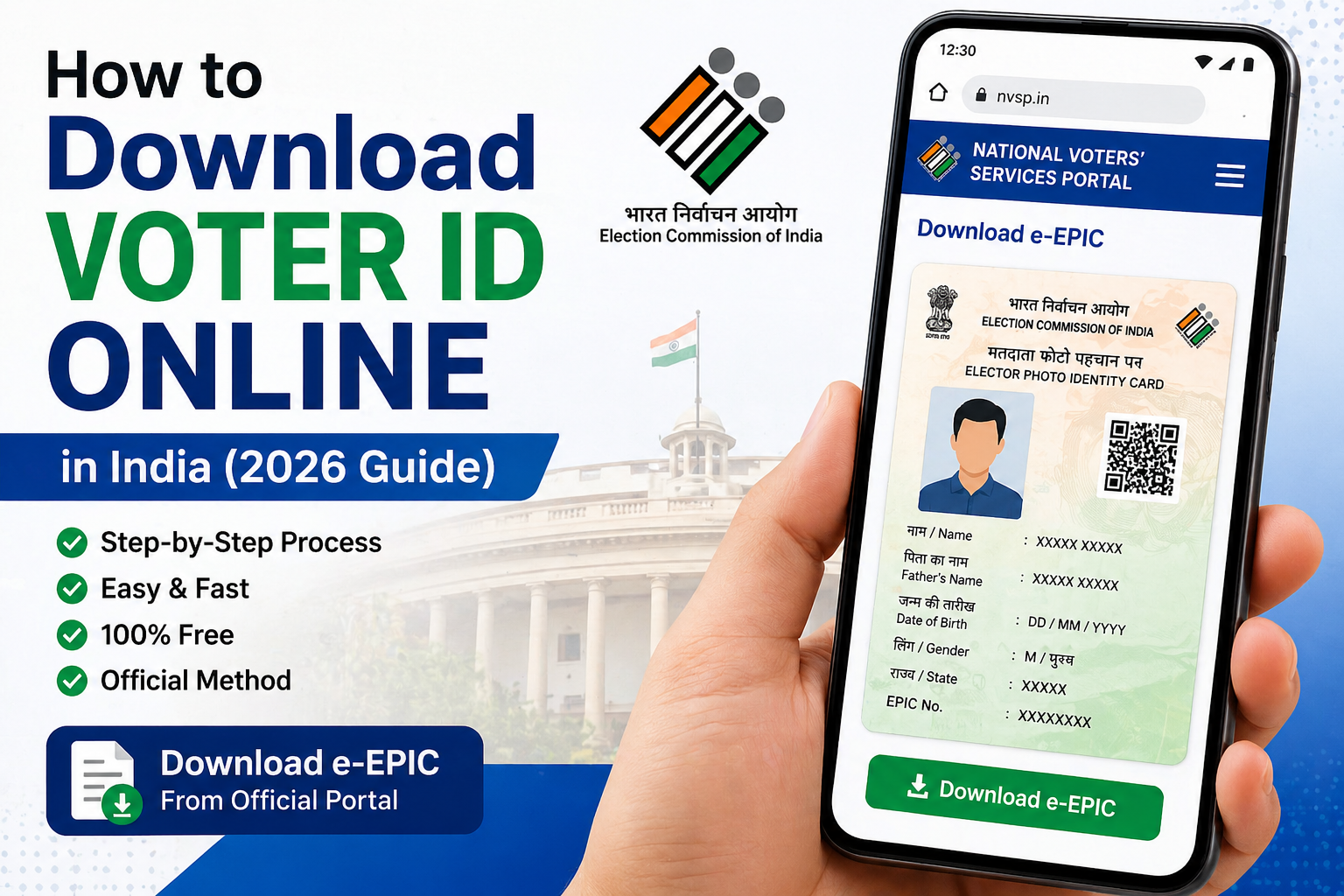
How to Download Voter ID Online in India (2026 Guide)
Introduction
Downloading your voter ID online in India is now simple and can be done from your home. This guide explains the complete step-by-step process.
Steps to Download Voter ID
- Visit the official NVSP website
- Login or register using your mobile number
- Enter your EPIC number or search by name
- Click on “Download e-EPIC”
- Save the PDF on your device
Important Tips
- Make sure your mobile number is linked
- Keep your EPIC number ready
- Use correct details while searching
Who Can Download Voter ID Online?
Any Indian citizen who is registered as a voter can download their voter ID online. You must have either your EPIC number or registered mobile number to access your details.
If you have recently applied for a voter ID, you can also download your e-EPIC once it is approved.
What is e-EPIC (Digital Voter ID)?
e-EPIC is a digital version of your voter ID card that you can download in PDF format. It is issued by the Election Commission of India and is equally valid as a physical voter ID card.
You can store it on your mobile phone or print it when required.
Benefits of Downloading Voter ID Online
- Instant access to your voter ID
- No need to visit any office
- Completely free service
- Available anytime, anywhere
- Can be used as identity proof
Common Problems While Downloading Voter ID
Sometimes users face issues while downloading their voter ID. Here are some common problems and solutions:
1. EPIC Number Not Found
- Check spelling and details
- Try searching with your name
2. Mobile Number Not Registered
- Update your mobile number on the portal
3. Website Not Loading
- Try again after some time
- Use a different browser
Alternative Ways to Get Voter ID
If you are unable to download your voter ID online, you can:
- Visit your nearest Election Office
- Contact your Booth Level Officer (BLO)
- Call voter helpline number
Important Documents Required
To download or verify your voter ID, you may need:
- EPIC Number
- Registered Mobile Number
- Basic personal details
Safety Tips
- Always use official government websites
- Do not share OTP with anyone
- Avoid third-party agents
Conclusion
Downloading your voter ID online in India is a simple and convenient process. By following the steps mentioned above, you can easily access your voter ID from your home without any hassle.
Make sure your details are correct and always use official portals for secure access.
FAQs
Can I use e-EPIC for voting?
Yes, e-EPIC is valid, but carrying original ID is recommended.
What is EPIC number?
EPIC stands for Elector Photo Identity Card number.
Can I download voter ID on mobile?
Yes, you can download it using your smartphone.
Is e-EPIC valid everywhere?
Yes, it is a valid identity document across India.
What should I do if my voter ID has wrong details?
You should apply for correction online through the official portal.
Can I download voter ID without EPIC number?
Yes, you can search using your name and details.
Is voter ID download free?
Yes, it is completely free.
Read : How to Correct Details in Voter ID Online (Name, Address, Age)
Legal Rules Related to Voter ID in India
According to the Election Commission of India, a voter ID card (EPIC) is an official identity document issued to eligible Indian citizens above 18 years of age. It is mandatory for participating in elections and helps prevent duplicate or fake voting.
Downloading an e-EPIC (digital voter ID) from the official portal is completely legal and valid. However, users must ensure that they provide correct information while accessing or downloading their voter ID. Providing false details or misusing voter identity can lead to legal action under Indian election laws.
Citizens are advised to use only official government websites for voter ID services and avoid sharing personal information with unauthorized sources.